x

Like our Facebook Page

   
Early Times Newspaper Jammu, Leading Newspaper Jammu
 
Breaking News :   Focus on innovation, employability, entrepreneurship: LG Sinha to KU | Nitin Nabin becomes BJP’s youngest national working president? | Third Kashmiri youth arrested in Arunachal for spying for Pakistan | J&K set for Panchayat, Municipal polls as SEC appointment process begins | Technology should amplify human judgment, not replace it: CJI Surya Kant | No link found between COVID-19 vaccination, sudden deaths in young adults | Prez Murmu rejects mercy plea of man convicted for rape, murder of 2-year-old | CBI chargesheets 4 Chinese nationals | J&K Samadhan logs 1.02 lakh grievances in 2025, disposal rate at 86.27% | ‘Prioritise women, SC/ST officers for central deputation’ | Chargesheet filed against 40 persons | Higher reaches receive fresh snowfall | Bhaderwah awaits snowfall, winter tourism hit | Bhaderwah awaits snowfall, winter tourism hit | High Court staff clinch 15-run win over High Court advocates at Sher-e-Kashmir Stadium | Awareness programme on labour codes, social security schemes held at Banihal | SDM reviews working of Mission Yuva doots in Thathri | Kanpur–Lucknow Expressway set to power startup growth, position Lucknow as an innovation hub | Restoring Hope | The 2025 outlook for Scientists in India: Challenges, opportunities & pathways forward | Love for Brother or Cry for Livelihood? | National Mathematics Day 2025 | Vijay Diwas Observed at Bishnah with Patriotic Fervour | Madhu Param Hans delivers spiritual sermons to devotees | JKTJAC holds Teachers’ Convention at Jammu; Zonal Body of Zone Bhalwal Announced | Banwat View Point in Poonch will become a symbol of national pride: Balbir | Suresh inaugurates two key roads worth Rs 30 Lakh in Panchayat Kaneri | Indian Army organises Swachhata Pakhwada | Media plays Pivotal Role in shaping public opinion, advancing vision of Viksit Bharat: Rohiin Chandan | CLUJ flags off Yoga team for All India Inter-University Games | Dogra Sadar Sabha reviews preparations for Dogri Manyata Divas, Youth induction held | SMVDU faculty secures JKST&IC grant for immersive reconstruction of Ancient Capital Parihaspora | Messi arrives in Mumbai for day 2 of “GOAT Tour” | GGHSS Rehari concludes inspiring Three-Day Activity Camp with Focus on Youth Empowerment | FICCI FLO JKL launches menstrual hygiene drive to Strengthen Women’s Health, participation in Nation Building | Two CRPF jawans injured in IEDs blast in Saranda forest | Samba police foils bovine smuggling attempt | Panchayat Degwar residents hail Ajaz Jan for providing Rs 25 lakh for development works | ISRO lines up 7 launches, including uncrewed Gaganyaan mission by March 2026 | Four CMs, over 100 CEOs to attend WEF annual meeting | Honouring Martyrs through healing: Dr Sushil Cardiac camp at Pouni Reasi | Back Issues  
 
news details
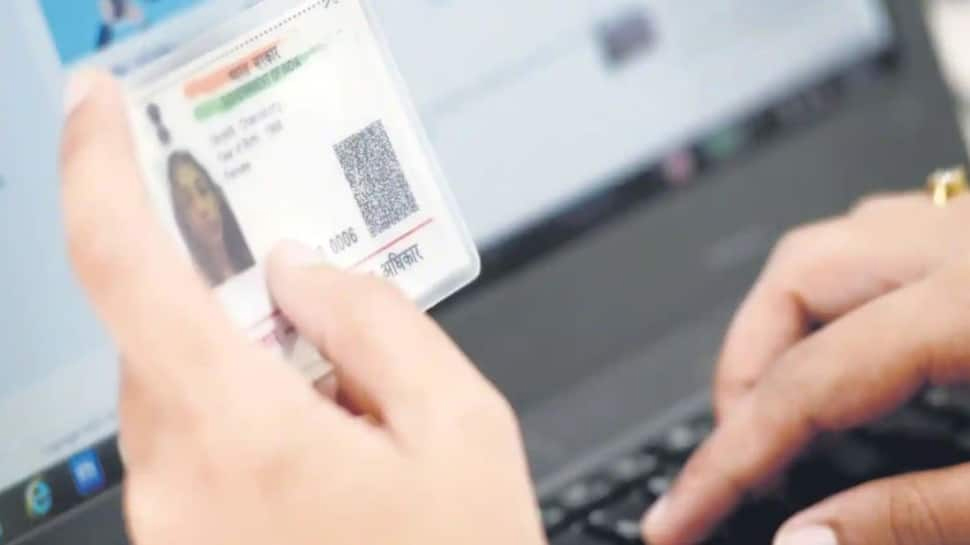
Lost your Aadhaar Card? Here's how retrieve it sitting at home
2/12/2022 10:49:46 PM
Many things, like the Aadhaar card, have been digitized since the Covid-19 outbreak wrecked devastation on the planet. The Aadhaar regulatory body, the Unique Identification Authority of India (UIDAI), has also digitized the processes associated with one of India's most significant documents.
Users might also download the Aadhaar card to a device and keep it digitally, according to UIDAI. Furthermore, the UIDAI has provided a direct website through which consumers can view and download their 12-digit unique ID.
The direct Aadhaar link -eaadhaar.uidai.gov.in/ can be used to obtain an Aadhaar card.
Here is a step-by-step guide to download the document if you replace it
Step 1: Visit https://uidai.gov.in/ for further information.
Step 2: Select the Download Aadhaar option under 'Get Aadhaar'.
Step 3:As shown, enter your Aadhaar number and the security code.
Step 4: You will receive an OTP on your registered mobile number once you click on 'Send OTP.'
Step 5: Click 'Verify and download' after entering the OTP.
Step 6: After all of your information has been confirmed, a PDF of your Aadhaar will be available in the Download area of your phone.
Step 7: Password protection will be applied to the PDF. Enter the password to unlock it. It will be eight characters long, consisting of the initial four letters of your name in capital letters (as per Aadhaar) and your year of birth in YYYYY format.
Step 8: After the process is finished, save the e-Aadhaar card in the folder or email it to yourself.
If you have any questions with Aadhaar, the UIDAI provides a hotline number, 1947, that you can call for help.
  Share This News with Your Friends on Social Network  
  Comment on this Story  


Early Times Android App
STOCK UPDATE


Home About Us Top Stories Local News National News Sports News Opinion Editorial ET Cetra Advertise with Us ET E-paper
 
 
J&K RELATED WEBSITES
J&K Govt. Official website
Jammu Kashmir Tourism
JKTDC
Mata Vaishnodevi Shrine Board
Shri Amarnath Ji Shrine Board
Shri Shiv Khori Shrine Board
UTILITY
Train Enquiry
IRCTC
Matavaishnodevi
BSNL
Jammu Kashmir Bank
State Bank of India
PUBLIC INTEREST
Passport Department
Income Tax Department
JK CAMPA
JK GAD
IT Education
Web Site Design Services
EDUCATION
Jammu University
Jammu University Results
JKBOSE
Kashmir University
IGNOU Jammu Center
SMVDU